


Best fit
Teams that want website conversations, contact history and inbox ownership in the same application as their other connected channels.
One script tag adds a branded chat widget to your site. Visitor messages create a web-chat contact and conversation in the shared inbox, ready for the team or a configured AI agent.
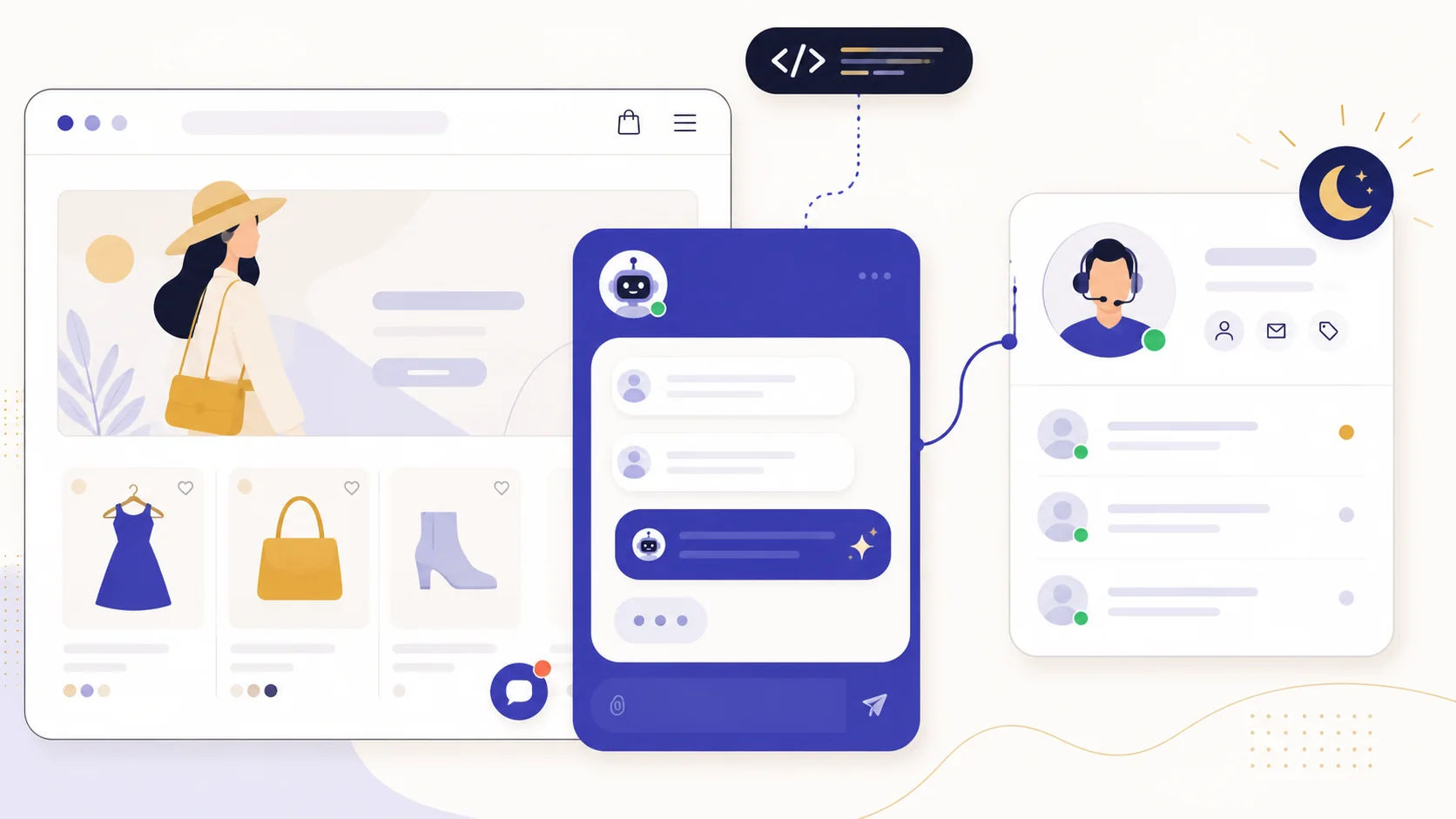
Paste the generated script, then configure the widget title, subtitle, greeting, theme colour, teaser and allowed origins. The chrome follows your company language in Arabic RTL or English LTR.
An optional conversation-start flow can show a greeting or button menu when the visitor opens chat, then route the resulting conversation under your rules.
Web chat keeps a visitor session and history. Optional pre-chat details or the email form can capture known identity; WhatsApp remains a separate reach option rather than an automatic continuation.
Add the widget from Settings → Channels and paste one script tag into your site.
Choose the appearance, company language, allowed origins and any greeting or opening flow.
Test the widget on your real site, including content-security rules, mobile layout and attachments.
Route the web-chat conversation to a team or an enabled AI agent, then keep later replies in that web-chat session.
Teams that want website conversations, contact history and inbox ownership in the same application as their other connected channels.
Paste the generated script before </body> on WordPress, Shopify or a custom site. Then verify the active channel, allowed origins, content-security policy, caching and mobile layout on the actual domain.
No. The widget can open an anonymous visitor session and create a web-chat contact from the first message. Ask for pre-chat details when you need a known name, email or phone.
Yes, when the company has AI access and an enabled agent is assigned directly or by a flow. Knowledge, actions, language and human handoff still need to be configured and tested.
Each capability supports a different part of the customer workflow.
 An AI teammate
Answers from maintained knowledge in a configured language, runs enabled actions, and hands the conversation to a human under your rules.
An AI teammate
Answers from maintained knowledge in a configured language, runs enabled actions, and hands the conversation to a human under your rules.
 Sell and fulfil in chat
Keep a catalogue with stock, let an AI agent or your team take the order in the conversation, then move it from new to delivered and message the customer at each step.
Sell and fulfil in chat
Keep a catalogue with stock, let an AI agent or your team take the order in the conversation, then move it from new to delivered and message the customer at each step.
 CRM & pipeline
Keep contact history beside separate deals, values, outcomes and the lifecycle stages your team defines.
CRM & pipeline
Keep contact history beside separate deals, values, outcomes and the lifecycle stages your team defines.
 Flows & automation
Use visual triggers, conditions and actions to route, qualify, reply and escalate without writing code.
Flows & automation
Use visual triggers, conditions and actions to route, qualify, reply and escalate without writing code.
 Campaign outreach and replies
Send approved WhatsApp templates to filtered audiences, then handle campaign replies in the shared inbox.
Campaign outreach and replies
Send approved WhatsApp templates to filtered audiences, then handle campaign replies in the shared inbox.
 Insight, not guesswork
Review conversation volume, response and resolution times, team workload and the report filters available to your plan.
Insight, not guesswork
Review conversation volume, response and resolution times, team workload and the report filters available to your plan.
 Lead capture and follow-up
Keep enquiries from connected channels with the contact record, then use configured AI, routing, deals and tasks to manage the next step.
Lead capture and follow-up
Keep enquiries from connected channels with the contact record, then use configured AI, routing, deals and tasks to manage the next step.
 Organised for busy periods
Use ownership, team routing, statuses and workload reporting to keep peak-hour conversations visible and accountable.
Organised for busy periods
Use ownership, team routing, statuses and workload reporting to keep peak-hour conversations visible and accountable.
 Sign-in and access controls
Use encrypted connections, optional two-factor sign-in and passkeys, roles, phone masking and private-file checks as part of your security process.
Sign-in and access controls
Use encrypted connections, optional two-factor sign-in and passkeys, roles, phone masking and private-file checks as part of your security process.

Start your free 14-day trial today — no credit card required.