


Best fit
Managers who need operational trends from activity already recorded in Labeeq and are prepared to interpret metric definitions and data coverage.
Use date, channel, team and assignee filters across conversation, message, response, resolution, assignment, contact, lifecycle, lead, CSAT, leaderboard and eligible AI report tabs.
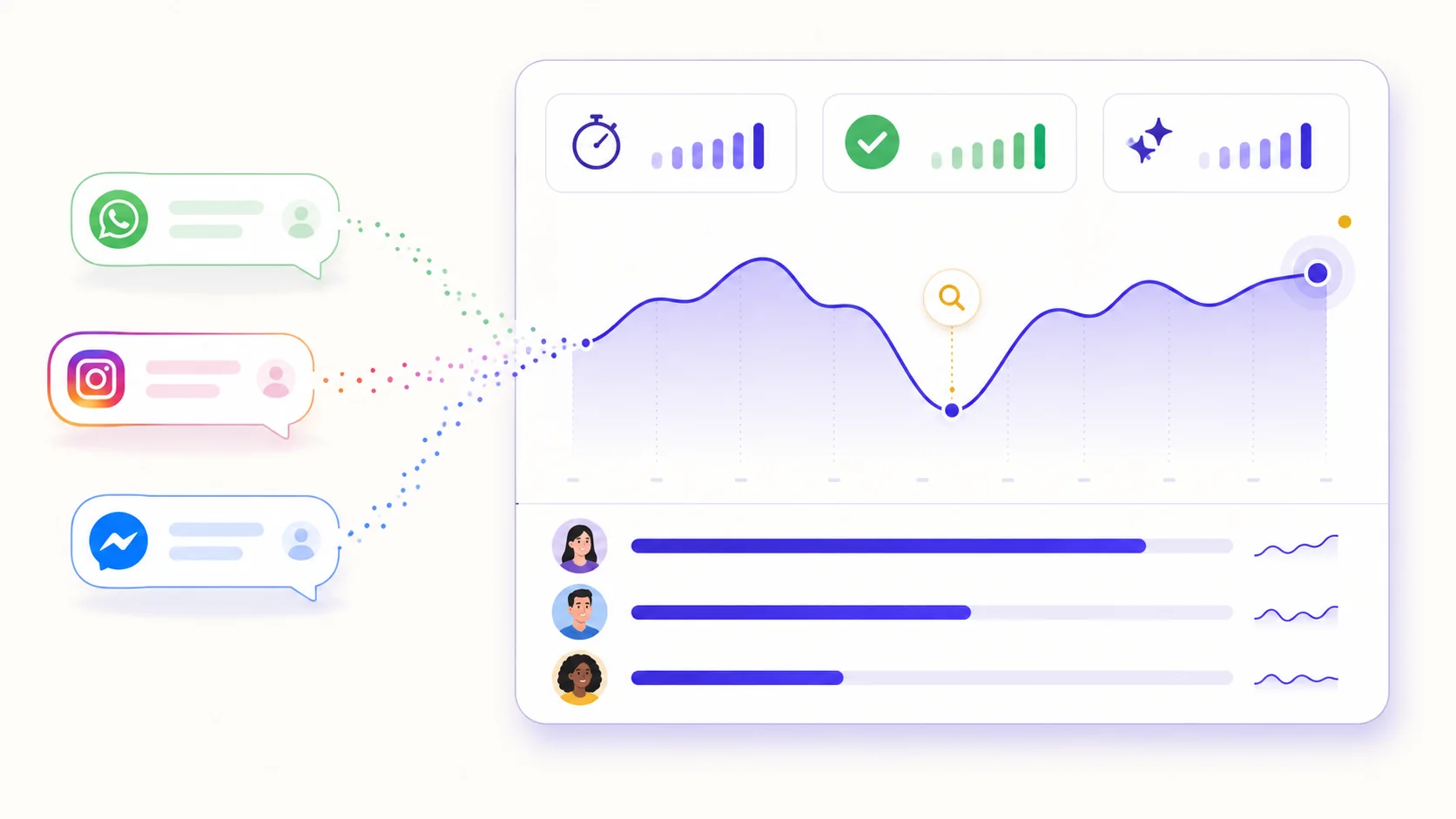
See average, median and bucketed durations plus channel, team and assignee breakdowns. First response tracks a human reply; resolution runs from conversation creation to its recorded close time.
Review opened and closed conversations, busiest hours, inbound and outbound messages, provider delivery states, assignment sources, current lifecycle distribution and pipeline intake.
Eligible workspaces can review replies, escalations, tokens, latency, CSAT splits and a defined deflection rate: AI-touched threads closed without a recorded AI escalation.
Configure service targets, CSAT, closure categories, lifecycle stages and consistent pipeline fields before using the reports for decisions.
Select a date range and optional channel, team or human/AI assignee scope, then choose the tab that matches the question.
Check how that tab defines its cohort, timestamps and missing values before comparing periods or people.
Export the conversation log or leaderboard CSV where available, or use the relevant application records and API endpoints for further analysis.
Managers who need operational trends from activity already recorded in Labeeq and are prepared to interpret metric definitions and data coverage.
The report hub covers conversations, messages, human first responses, resolutions, assignments, contacts, lifecycle, leads, CSAT and a human/AI leaderboard. An AI-agent tab appears when AI access is available; campaigns also have their own reporting overview.
Response and resolution tables can break recorded activity down by channel, team and current assignee, and the leaderboard combines human and AI rows. Treat them as operational measurements: ownership changes and small sample sizes can affect comparisons.
Selected report surfaces export CSV, and the public API exposes selected contact, conversation, message, lead and task records. It is not a general endpoint for every chart or every internal database field, so confirm coverage before planning BI work.
Each capability supports a different part of the customer workflow.
 An AI teammate
Answers from maintained knowledge in a configured language, runs enabled actions, and hands the conversation to a human under your rules.
An AI teammate
Answers from maintained knowledge in a configured language, runs enabled actions, and hands the conversation to a human under your rules.
 Sell and fulfil in chat
Keep a catalogue with stock, let an AI agent or your team take the order in the conversation, then move it from new to delivered and message the customer at each step.
Sell and fulfil in chat
Keep a catalogue with stock, let an AI agent or your team take the order in the conversation, then move it from new to delivered and message the customer at each step.
 CRM & pipeline
Keep contact history beside separate deals, values, outcomes and the lifecycle stages your team defines.
CRM & pipeline
Keep contact history beside separate deals, values, outcomes and the lifecycle stages your team defines.
 Flows & automation
Use visual triggers, conditions and actions to route, qualify, reply and escalate without writing code.
Flows & automation
Use visual triggers, conditions and actions to route, qualify, reply and escalate without writing code.
 Campaign outreach and replies
Send approved WhatsApp templates to filtered audiences, then handle campaign replies in the shared inbox.
Campaign outreach and replies
Send approved WhatsApp templates to filtered audiences, then handle campaign replies in the shared inbox.
 Lead capture and follow-up
Keep enquiries from connected channels with the contact record, then use configured AI, routing, deals and tasks to manage the next step.
Lead capture and follow-up
Keep enquiries from connected channels with the contact record, then use configured AI, routing, deals and tasks to manage the next step.
 Organised for busy periods
Use ownership, team routing, statuses and workload reporting to keep peak-hour conversations visible and accountable.
Organised for busy periods
Use ownership, team routing, statuses and workload reporting to keep peak-hour conversations visible and accountable.
 Sign-in and access controls
Use encrypted connections, optional two-factor sign-in and passkeys, roles, phone masking and private-file checks as part of your security process.
Sign-in and access controls
Use encrypted connections, optional two-factor sign-in and passkeys, roles, phone masking and private-file checks as part of your security process.

Start your free 14-day trial today — no credit card required.