


Best fit
Teams whose sales process is contact-centred and can share one lifecycle position across a customer's open opportunities.
The board groups open deals by contact and places each contact in one lifecycle stage. Record separate opportunities, owners, sources, values and follow-up dates without treating every conversation as a sale.
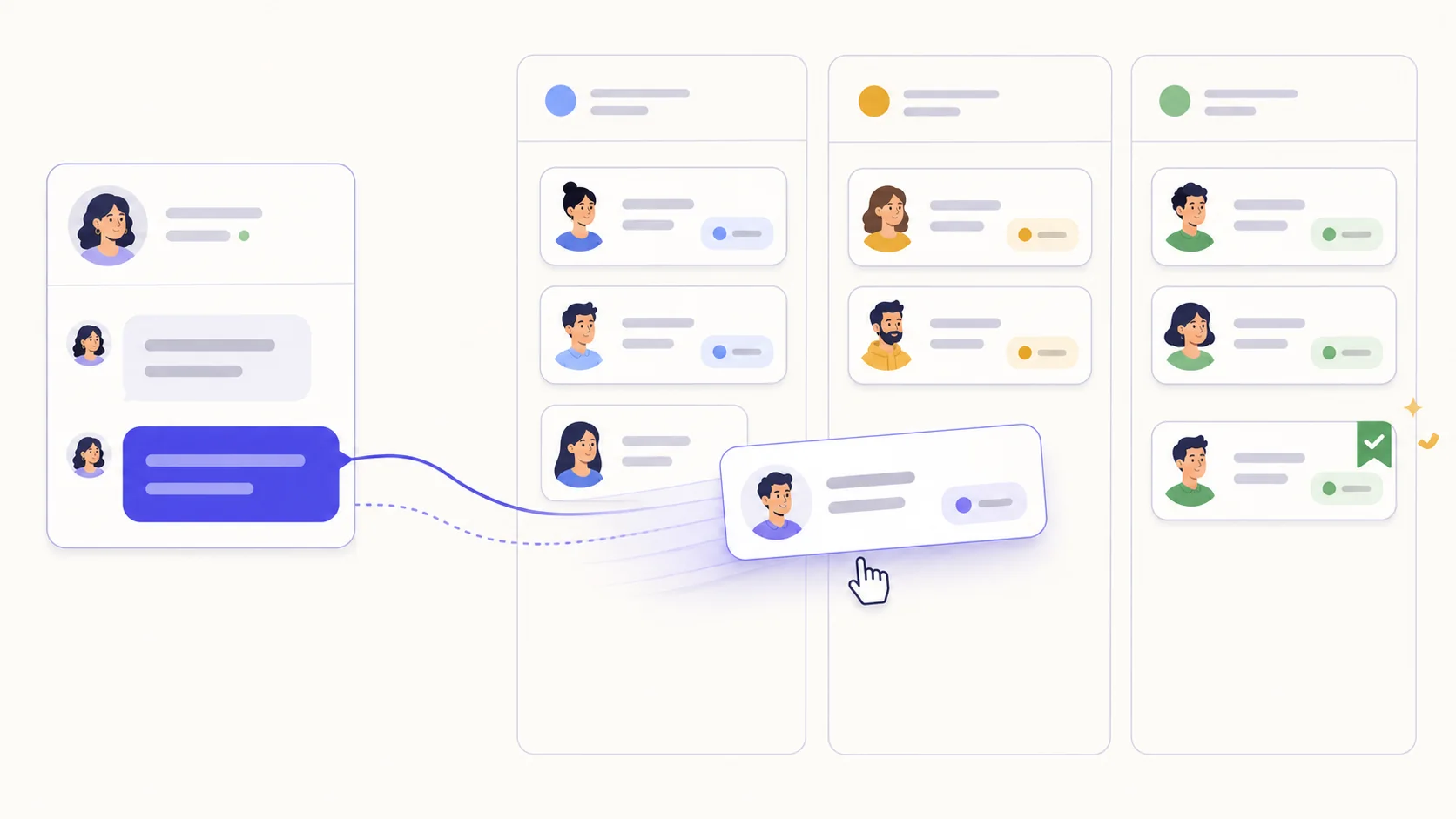
Define the main journey, select one won stage and maintain a separate lost group. Moving a board card changes the contact lifecycle and settles its linked open deals when it reaches a won or lost stage.
A contact can carry multiple commercial records with their own source, owner, value and outcome. The board groups them on one contact card and sums their open values.
Setting a deal's next follow-up creates or updates its linked follow-up task. Updating, completing or cancelling that open task recalculates the date shown on the deal.
Configure the default, journey, won and lost lifecycle stages before importing or moving contacts.
Create a deal for a contact from the pipeline or let a tested flow create one when its trigger applies.
Set its owner, source, value and next follow-up, then work the linked task from the board or calendar.
Move the contact through the journey and review recorded lead intake, outcomes, source, owner, value and funnel reports.
Teams whose sales process is contact-centred and can share one lifecycle position across a customer's open opportunities.
Each deal may belong to a contact, while the lifecycle stage belongs to that contact. The board therefore shows one card per contact and aggregates its deals; moving that card affects the contact and can settle its open deals at won or lost stages.
Yes. Setting a deal's next-follow-up date creates or updates one linked open follow-up task. Changes to that task sync back to the deal, including cancellation or completion.
Reports cover leads created, outcomes, won value, current open-pipeline value, source, owner and lifecycle funnel progress. Results depend on consistent data entry, stage configuration and date filters.
Each capability supports a different part of the customer workflow.
 An AI teammate
Answers from maintained knowledge in a configured language, runs enabled actions, and hands the conversation to a human under your rules.
An AI teammate
Answers from maintained knowledge in a configured language, runs enabled actions, and hands the conversation to a human under your rules.
 Sell and fulfil in chat
Keep a catalogue with stock, let an AI agent or your team take the order in the conversation, then move it from new to delivered and message the customer at each step.
Sell and fulfil in chat
Keep a catalogue with stock, let an AI agent or your team take the order in the conversation, then move it from new to delivered and message the customer at each step.
 Flows & automation
Use visual triggers, conditions and actions to route, qualify, reply and escalate without writing code.
Flows & automation
Use visual triggers, conditions and actions to route, qualify, reply and escalate without writing code.
 Campaign outreach and replies
Send approved WhatsApp templates to filtered audiences, then handle campaign replies in the shared inbox.
Campaign outreach and replies
Send approved WhatsApp templates to filtered audiences, then handle campaign replies in the shared inbox.
 Insight, not guesswork
Review conversation volume, response and resolution times, team workload and the report filters available to your plan.
Insight, not guesswork
Review conversation volume, response and resolution times, team workload and the report filters available to your plan.
 Lead capture and follow-up
Keep enquiries from connected channels with the contact record, then use configured AI, routing, deals and tasks to manage the next step.
Lead capture and follow-up
Keep enquiries from connected channels with the contact record, then use configured AI, routing, deals and tasks to manage the next step.
 Organised for busy periods
Use ownership, team routing, statuses and workload reporting to keep peak-hour conversations visible and accountable.
Organised for busy periods
Use ownership, team routing, statuses and workload reporting to keep peak-hour conversations visible and accountable.
 Sign-in and access controls
Use encrypted connections, optional two-factor sign-in and passkeys, roles, phone masking and private-file checks as part of your security process.
Sign-in and access controls
Use encrypted connections, optional two-factor sign-in and passkeys, roles, phone masking and private-file checks as part of your security process.

Start your free 14-day trial today — no credit card required.