


Best fit
Teams with a named integration owner and a specific hand-off to a CRM, spreadsheet, automation platform or internal system—not a promise that every external record will mirror automatically.
Append flow data to Google Sheets, send signed events to your systems, or build against Labeeq's documented REST API.
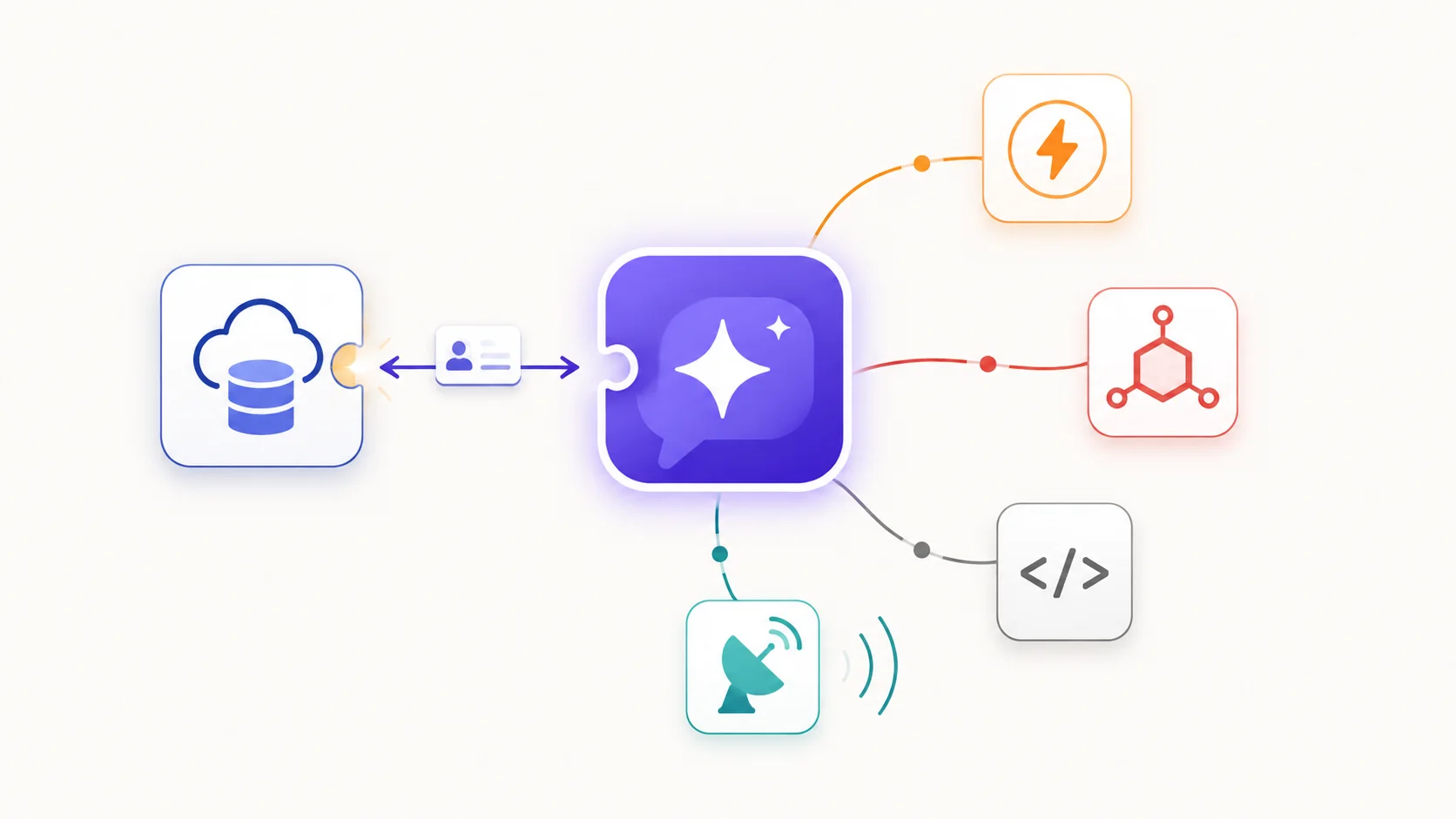
Contacts, companies, deals and the activity timeline live in Labeeq beside the conversation — there is no second system to connect, match by email, or keep in step.
Use signed webhooks and API calls with Zapier's built-in Webhooks tool or n8n's Webhook and HTTP Request nodes. Google Sheets can append a row from a configured flow step.
Scoped personal tokens cover selected contact, conversation, message, lead and task operations. The public OpenAPI document and generated Postman collection describe the live surface.
Name the records, owner and direction of each hand-off before choosing a platform connector, webhook, Sheets step or direct API call.
Connect Google with OAuth where configured, or issue a token with only the API abilities the integration requires.
Register a public HTTPS webhook for the selected message, conversation, contact or lead events, then verify its HMAC signature and test delivery.
Use idempotency keys on supported writes, respect the plan's burst and monthly API limits, and monitor provider responses, retries and revoked credentials.
Teams with a named integration owner and a specific hand-off to a CRM, spreadsheet, automation platform or internal system—not a promise that every external record will mirror automatically.
Yes. Until a native app or node is configured, use Webhooks by Zapier or n8n's Webhook node for subscribed events and their HTTP tools for supported Labeeq API actions. Setup requires a Labeeq token, endpoint mapping and secure secret handling.
No. Contacts, companies, deals, pipelines and the activity timeline are part of Labeeq, next to the conversations they came from. If you keep records in another system, move them with the public API, a webhook or a Sheets step rather than a mirroring sync.
The current REST API covers selected reads and writes for contacts, labels and lifecycle, conversations and notes, messages, leads and tasks. Personal tokens have explicit abilities and remain limited by the issuing user's role; some panel and automation functions are intentionally not exposed.
Choose supported message, conversation, contact or lead events for a public HTTPS endpoint. Labeeq signs the raw JSON with HMAC-SHA256, waits up to 10 seconds and retries failed deliveries after 1, 5 and 30 minutes; order is not guaranteed.
Yes. The public developer area serves an OpenAPI 3.1 document and generated Postman collection. API calls have plan-based per-10-second and calendar-month limits, so review the response headers and current pricing matrix before sizing a workload.
Each capability supports a different part of the customer workflow.
 An AI teammate
Answers from maintained knowledge in a configured language, runs enabled actions, and hands the conversation to a human under your rules.
An AI teammate
Answers from maintained knowledge in a configured language, runs enabled actions, and hands the conversation to a human under your rules.
 Sell and fulfil in chat
Keep a catalogue with stock, let an AI agent or your team take the order in the conversation, then move it from new to delivered and message the customer at each step.
Sell and fulfil in chat
Keep a catalogue with stock, let an AI agent or your team take the order in the conversation, then move it from new to delivered and message the customer at each step.
 CRM & pipeline
Keep contact history beside separate deals, values, outcomes and the lifecycle stages your team defines.
CRM & pipeline
Keep contact history beside separate deals, values, outcomes and the lifecycle stages your team defines.
 Flows & automation
Use visual triggers, conditions and actions to route, qualify, reply and escalate without writing code.
Flows & automation
Use visual triggers, conditions and actions to route, qualify, reply and escalate without writing code.
 Campaign outreach and replies
Send approved WhatsApp templates to filtered audiences, then handle campaign replies in the shared inbox.
Campaign outreach and replies
Send approved WhatsApp templates to filtered audiences, then handle campaign replies in the shared inbox.
 Insight, not guesswork
Review conversation volume, response and resolution times, team workload and the report filters available to your plan.
Insight, not guesswork
Review conversation volume, response and resolution times, team workload and the report filters available to your plan.
 Lead capture and follow-up
Keep enquiries from connected channels with the contact record, then use configured AI, routing, deals and tasks to manage the next step.
Lead capture and follow-up
Keep enquiries from connected channels with the contact record, then use configured AI, routing, deals and tasks to manage the next step.
 Organised for busy periods
Use ownership, team routing, statuses and workload reporting to keep peak-hour conversations visible and accountable.
Organised for busy periods
Use ownership, team routing, statuses and workload reporting to keep peak-hour conversations visible and accountable.
 Sign-in and access controls
Use encrypted connections, optional two-factor sign-in and passkeys, roles, phone masking and private-file checks as part of your security process.
Sign-in and access controls
Use encrypted connections, optional two-factor sign-in and passkeys, roles, phone masking and private-file checks as part of your security process.

Start your free 14-day trial today — no credit card required.