


Best fit
Repeatable routing, intake, reminder and data-update processes whose conditions and fallback paths can be written explicitly.
Published flows can react to supported conversation, message, comment, no-reply, AI-handoff, lifecycle, manual and campaign events, then run the steps and conditions you configure.
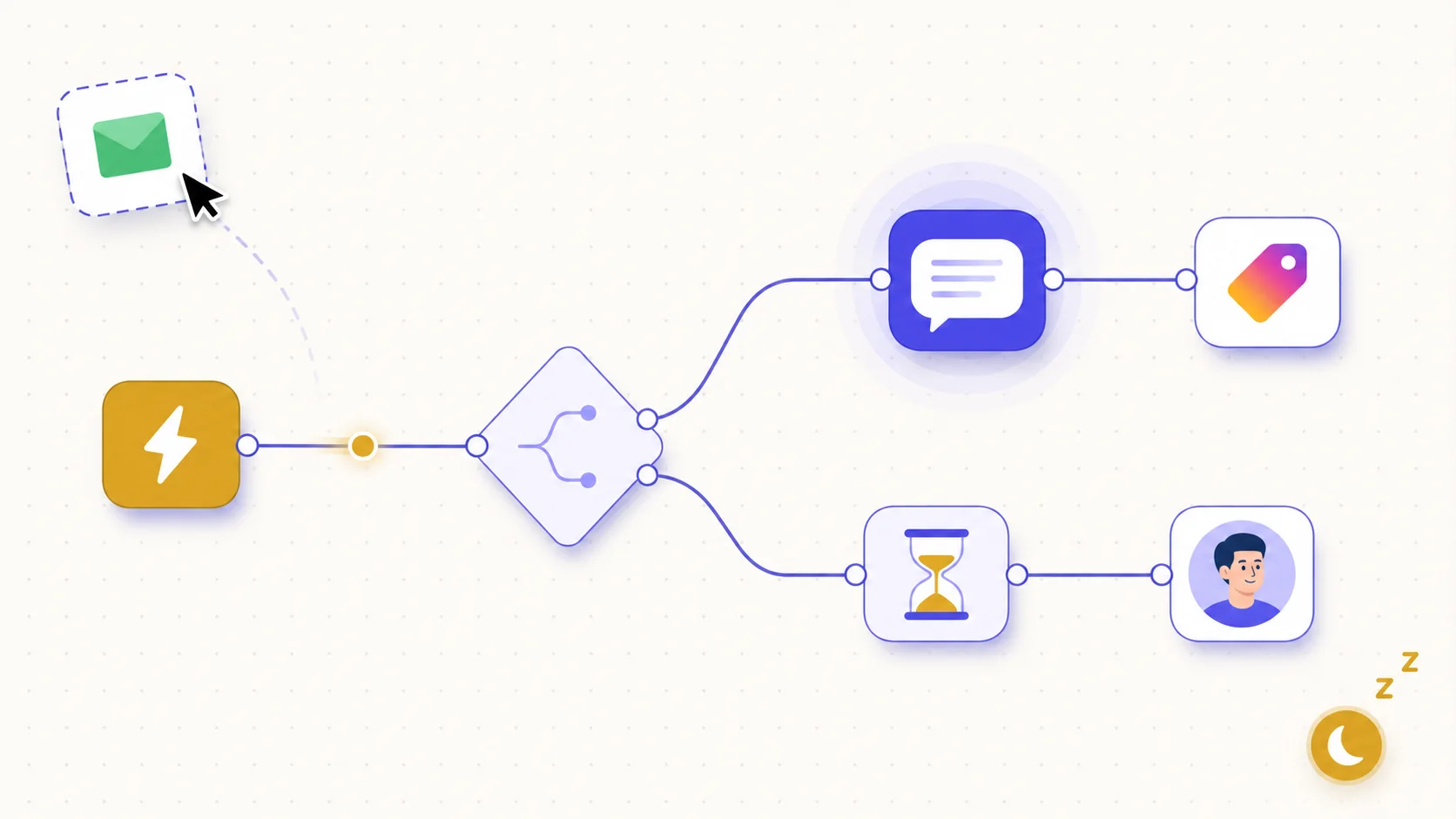
Connect messages, waits, questions, buttons, branches, assignment, labels, status, priority, teammate notifications and lead creation. HTTP, webhook and Google Sheets steps are available when technical setup is needed.
Choose an implemented event such as conversation created, message received, no reply or lifecycle changed, then narrow it with conditions such as channel, keyword, business hours or saved contact data.
One active conversational flow drives a thread at a time, while instant background rules may run alongside it. Re-enrolment and reply-waiting guards reduce duplicate execution.
Choose one supported trigger, then add channel, keyword, hours, lifecycle or other conditions where applicable.
Connect the required messages, waits, questions, branches and workspace or integration actions on the canvas.
Review all outlets and use the button chat preview where relevant, then publish and run an end-to-end test conversation.
Check the visible start/end events, enrollment state and affected records; inspect application logs for external-step failures.
Repeatable routing, intake, reminder and data-update processes whose conditions and fallback paths can be written explicitly.
Common message, wait, question, branch, assignment, label, status and lead steps use the visual builder. Webhook, HTTP and Google Sheets steps may need technical credentials, schemas and security review.
Supported triggers are conversation created, message or comment received, no reply, conversation resolved or opened, AI escalated, lifecycle changed, manual and campaign. Keywords, channel and hours are conditions rather than standalone triggers.
Yes. An AI step can generate a draft for later steps without sending, or send and assign the conversation to that agent. Its intent outlets, maximum turns, actions, knowledge, credits and escalation path still need testing.
Each capability supports a different part of the customer workflow.
 An AI teammate
Answers from maintained knowledge in a configured language, runs enabled actions, and hands the conversation to a human under your rules.
An AI teammate
Answers from maintained knowledge in a configured language, runs enabled actions, and hands the conversation to a human under your rules.
 Sell and fulfil in chat
Keep a catalogue with stock, let an AI agent or your team take the order in the conversation, then move it from new to delivered and message the customer at each step.
Sell and fulfil in chat
Keep a catalogue with stock, let an AI agent or your team take the order in the conversation, then move it from new to delivered and message the customer at each step.
 CRM & pipeline
Keep contact history beside separate deals, values, outcomes and the lifecycle stages your team defines.
CRM & pipeline
Keep contact history beside separate deals, values, outcomes and the lifecycle stages your team defines.
 Campaign outreach and replies
Send approved WhatsApp templates to filtered audiences, then handle campaign replies in the shared inbox.
Campaign outreach and replies
Send approved WhatsApp templates to filtered audiences, then handle campaign replies in the shared inbox.
 Insight, not guesswork
Review conversation volume, response and resolution times, team workload and the report filters available to your plan.
Insight, not guesswork
Review conversation volume, response and resolution times, team workload and the report filters available to your plan.
 Lead capture and follow-up
Keep enquiries from connected channels with the contact record, then use configured AI, routing, deals and tasks to manage the next step.
Lead capture and follow-up
Keep enquiries from connected channels with the contact record, then use configured AI, routing, deals and tasks to manage the next step.
 Organised for busy periods
Use ownership, team routing, statuses and workload reporting to keep peak-hour conversations visible and accountable.
Organised for busy periods
Use ownership, team routing, statuses and workload reporting to keep peak-hour conversations visible and accountable.
 Sign-in and access controls
Use encrypted connections, optional two-factor sign-in and passkeys, roles, phone masking and private-file checks as part of your security process.
Sign-in and access controls
Use encrypted connections, optional two-factor sign-in and passkeys, roles, phone masking and private-file checks as part of your security process.

Start your free 14-day trial today — no credit card required.