

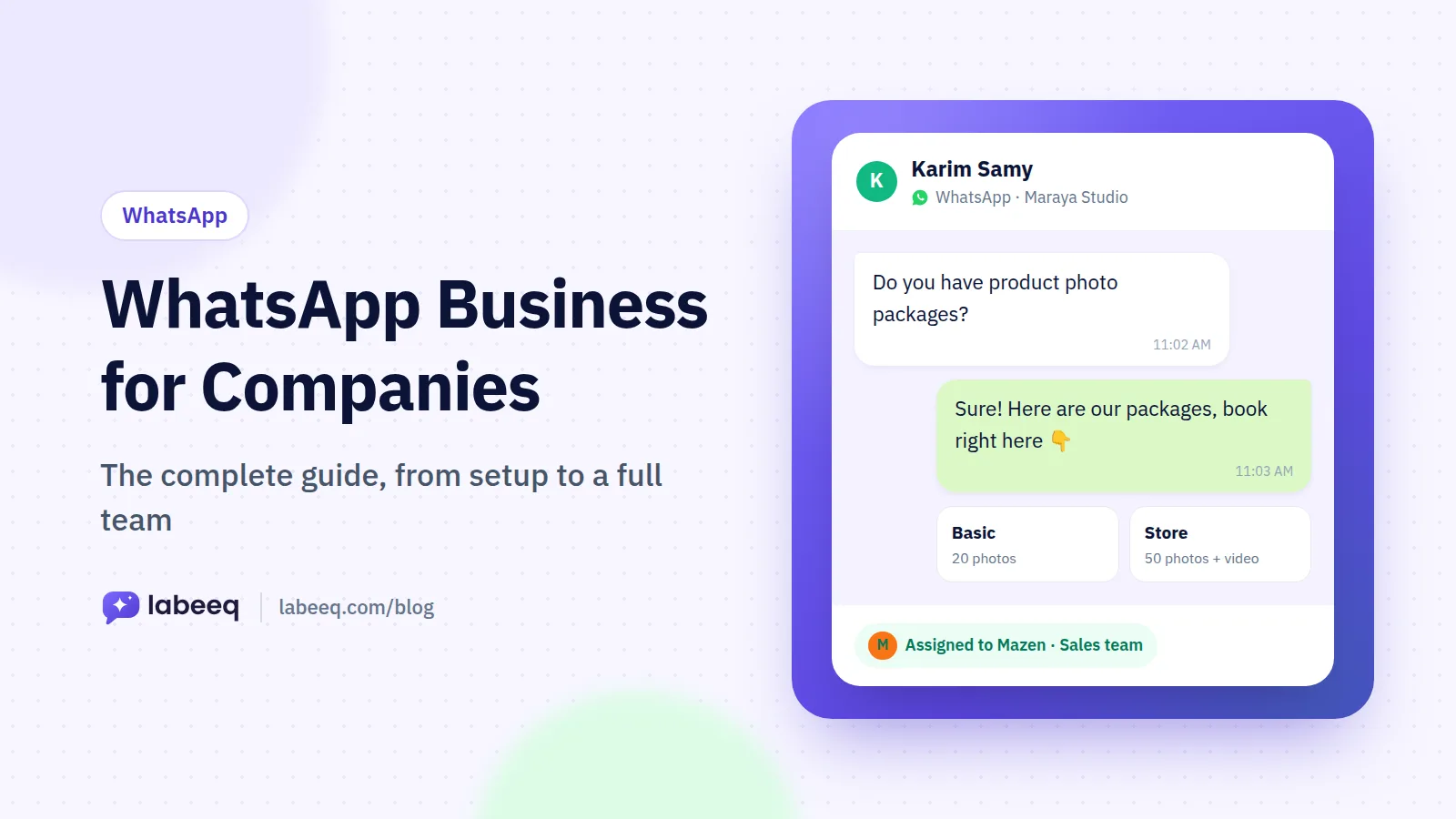
Best fit
Teams that sell through conversations and want each opportunity, its value and its next step beside the chat that started it.
Create several pipelines with their own stages and win probabilities, link each deal to its contacts and company, and keep products, quotes and the next step on the deal itself.
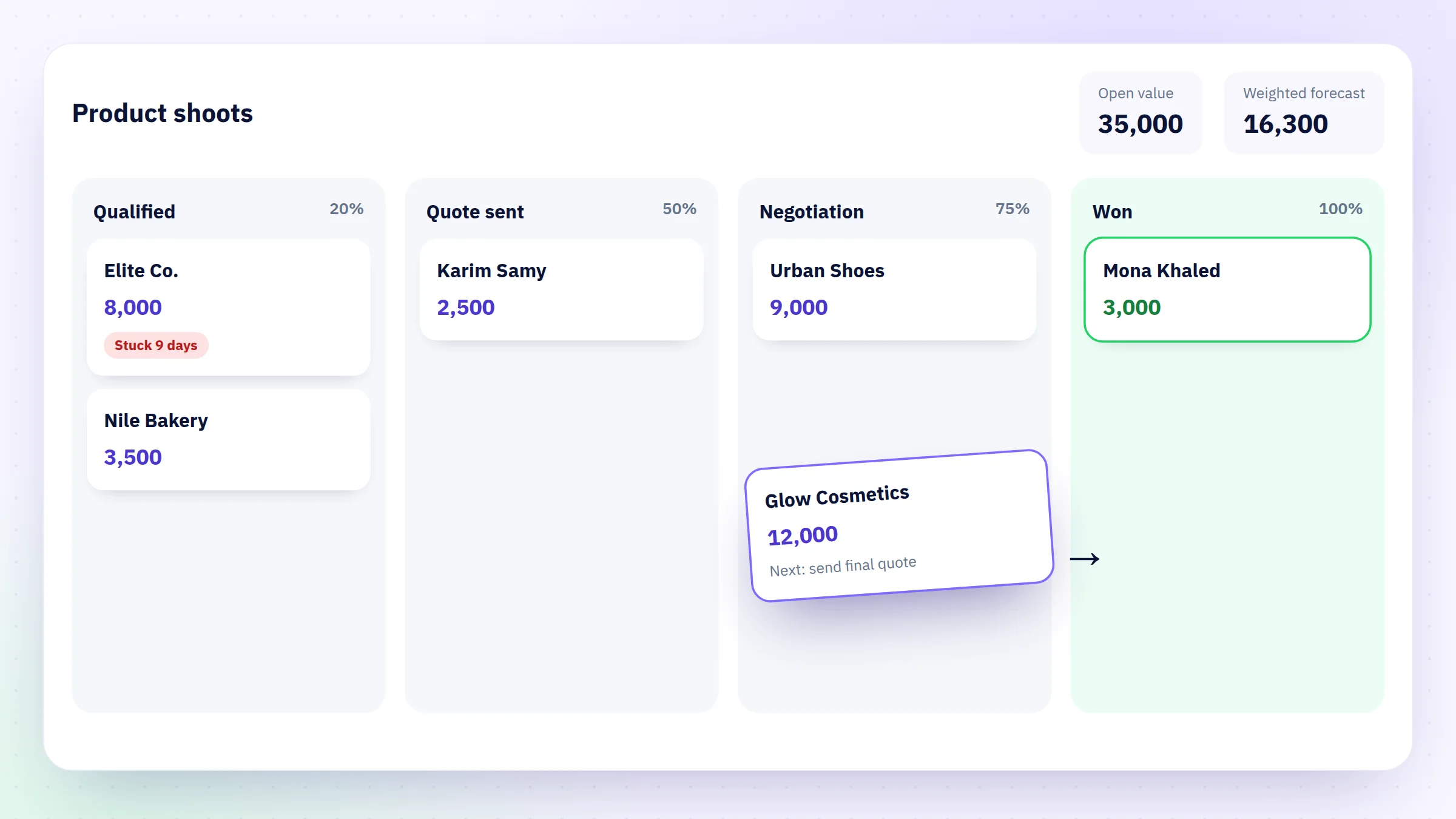
Give each pipeline its own stages, a win probability per stage and its won and lost stages. The board shows the open value and the weighted forecast, and a deal that sits in one stage too long is marked as stuck.
Add catalogue products or free lines with quantity, price and discount, and the total becomes the deal value. Turn them into a quote with tax and a validity date, share its link or PDF in the chat, and see when the customer views, accepts or declines it.
Keep a list of won and lost reasons, so closing a deal asks for one. The revenue report then shows win rate, revenue by source and campaign, lost reasons and the time deals spend in each stage.
Create a pipeline for each sales process, with its stages, win probabilities and the number of days a deal may sit in a stage before it counts as stuck.
Open deals from a conversation or a single message, from an inquiry, by hand, from a CSV import, or from a tested flow or AI agent.
Link the contacts and the company, add products or a quote, set the owner and close date, and plan the next call, meeting or task.
Move the deal across the board, close it with a reason, and review the deals and revenue reports.
Teams that sell through conversations and want each opportunity, its value and its next step beside the chat that started it.
Yes. Each pipeline has its own stages, win probabilities, won and lost stages and stuck-deal limits, and the board, the deals list and the reports can be filtered by pipeline.
A deal can be linked to one or more contacts and to a company. The company page gathers its people, its deals and one timeline of notes, calls, meetings and tasks.
Yes. Build it from the deal’s products with a discount and tax, then copy its link, download the PDF or send it in the chat. Its status shows whether it was sent, viewed, accepted or declined.
Yes. The import wizard opens or updates deals from a CSV and matches their contacts and companies, and the deals list exports the filtered list as a CSV.
Each deal page shows simple nudges, such as stuck in a stage, close date passed or no next step, plus an on-demand summary with a suggested next step that uses no credits. AI agents with field capture on can also fill empty deal fields from the chat.
Each capability supports a different part of the customer workflow.
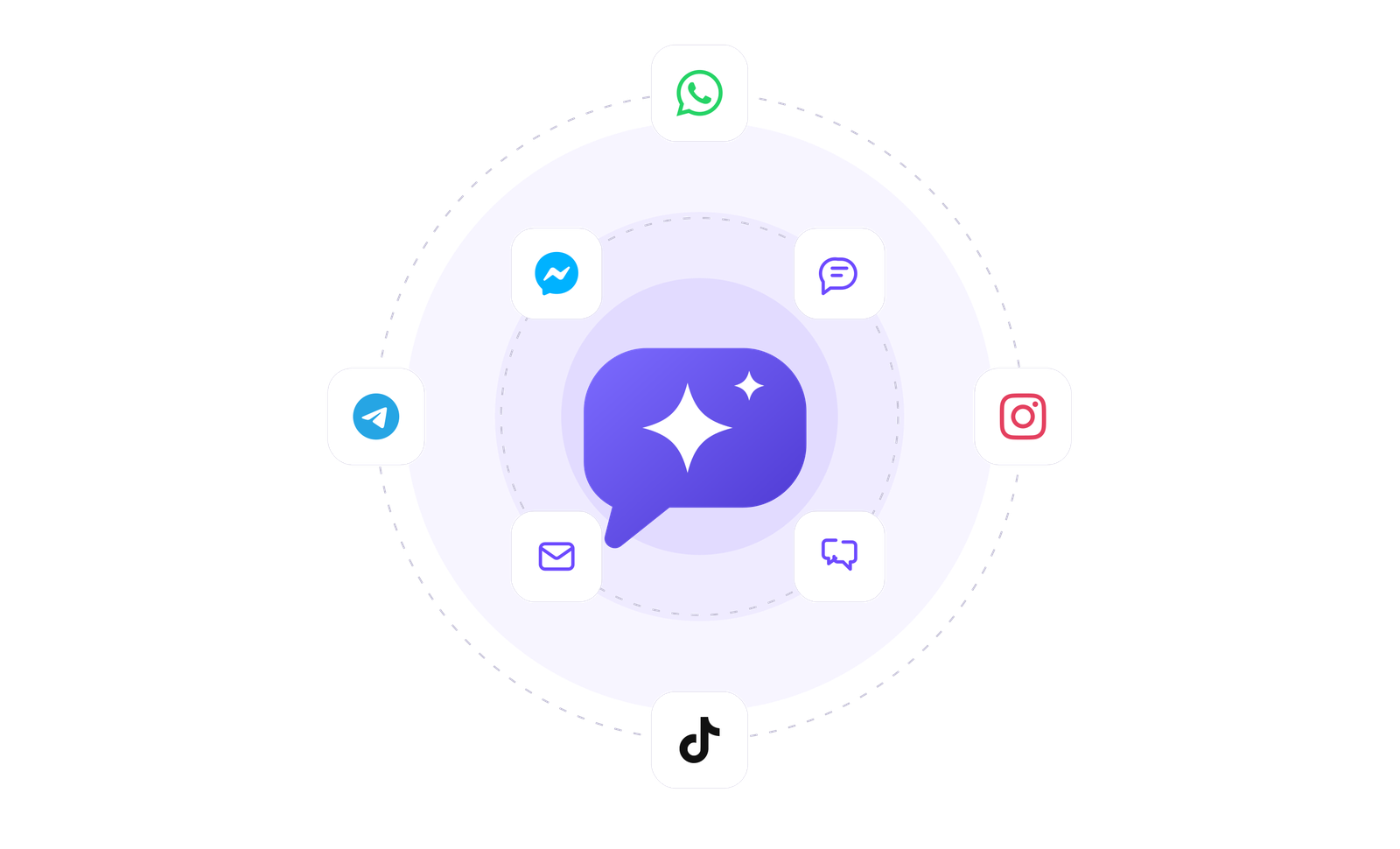 An AI teammate
Answers from maintained knowledge in a configured language, runs enabled actions, and hands the conversation to a human under your rules.
 Sell and fulfil in chat
Keep a catalogue with stock, let an AI agent or your team take the order in the conversation, then move it from new to delivered and message the customer at each step.
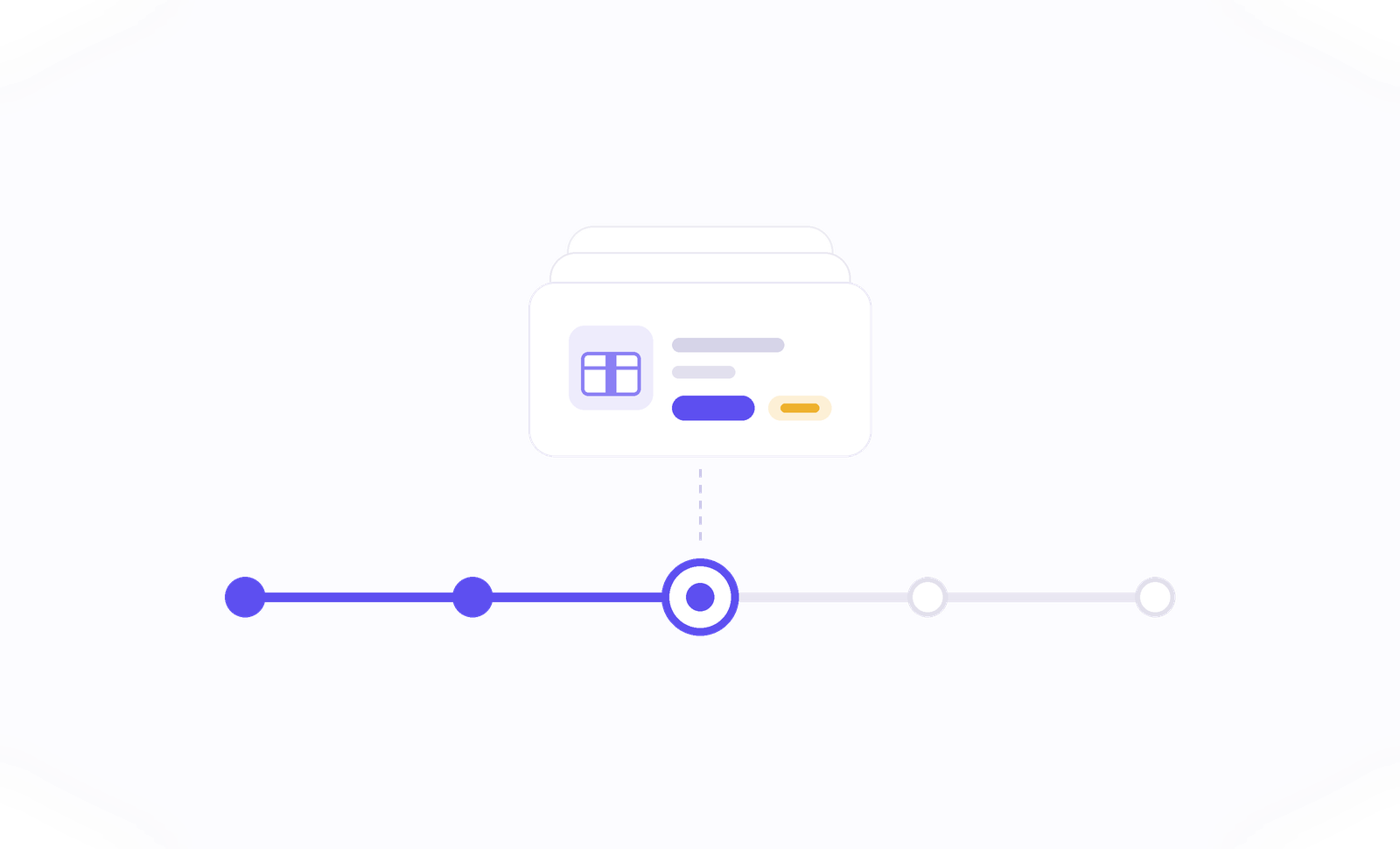 Flows & automation
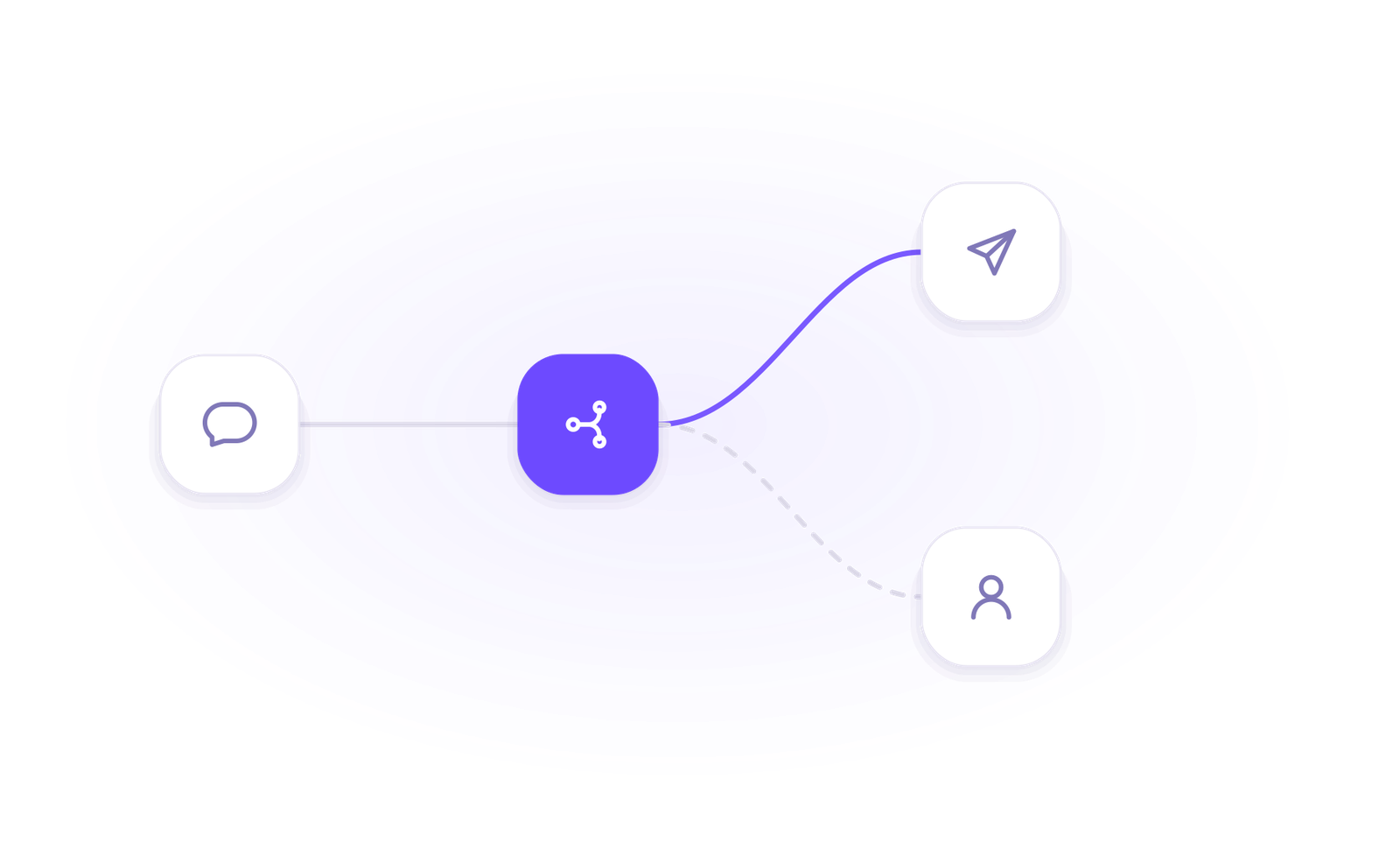
Use visual triggers, conditions and actions to route, qualify, reply and escalate without writing code.
 Campaign outreach and replies
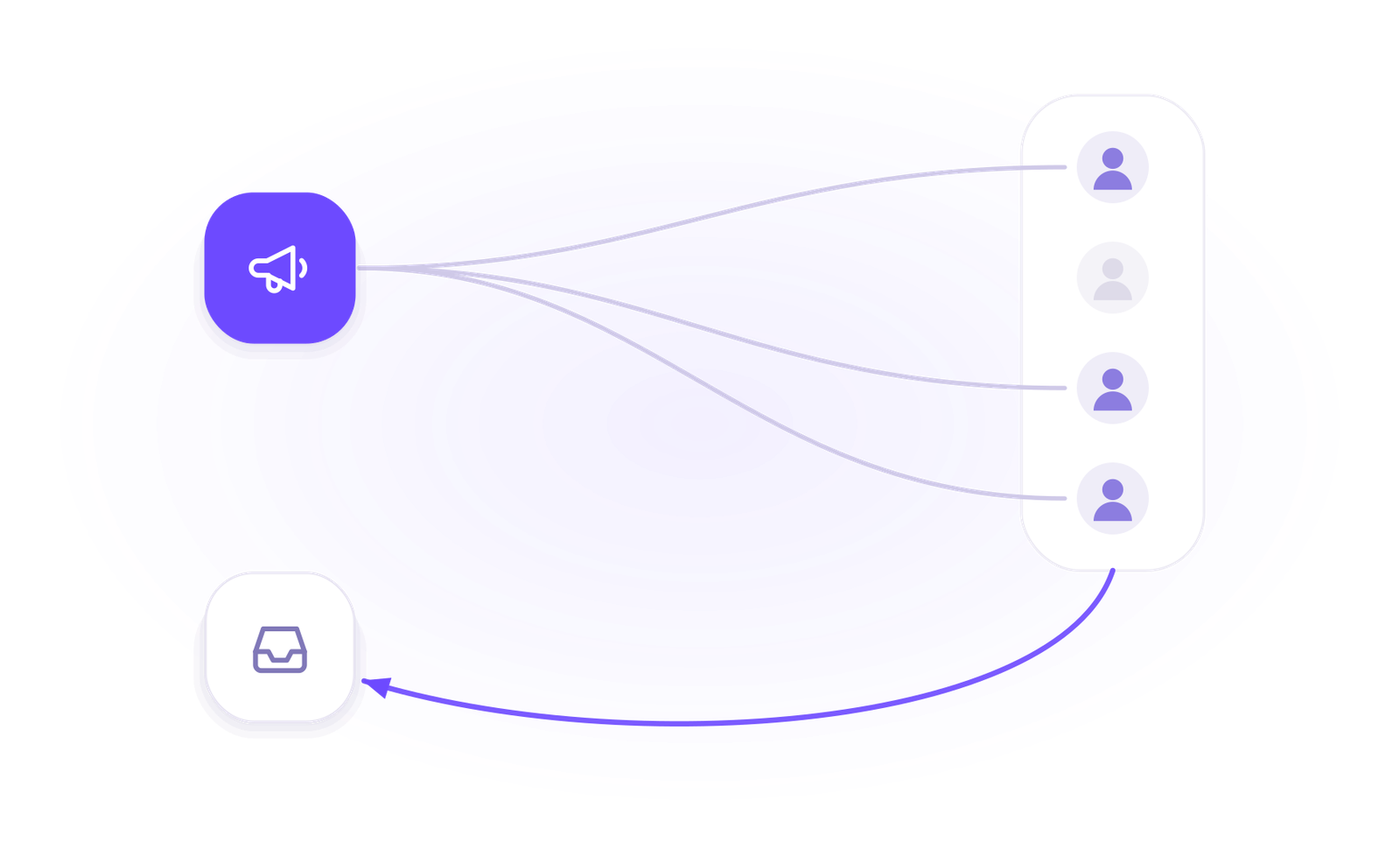
Send approved WhatsApp templates to filtered audiences, then handle campaign replies in the shared inbox.
 Insight, not guesswork
Review conversation volume, response and resolution times, team workload and the report filters available to your plan.
 Lead capture and follow-up
Keep enquiries from connected channels with the contact record, then use configured AI, routing, deals and tasks to manage the next step.
 Organised for busy periods
Use ownership, team routing, statuses and workload reporting to keep peak-hour conversations visible and accountable.
 Sign-in and access controls
Use encrypted connections, optional two-factor sign-in and passkeys, roles, phone masking and private-file checks as part of your security process.

Start your free 14-day trial today — no credit card required.