Both products provide an omnichannel inbox, automation, AI and contact lifecycle tools. Compare Labeeq’s native deals, task calendar, orders and regional pricing with SleekFlow’s wider channel and direct integration catalogue.
Availability may depend on plan, channel, provider and configuration. Where a checkmark would oversimplify, the cell explains the boundary.
|
|
SleekFlow | |
|---|---|---|
| Channels & inbox | ||
| WhatsApp via the official API | ||
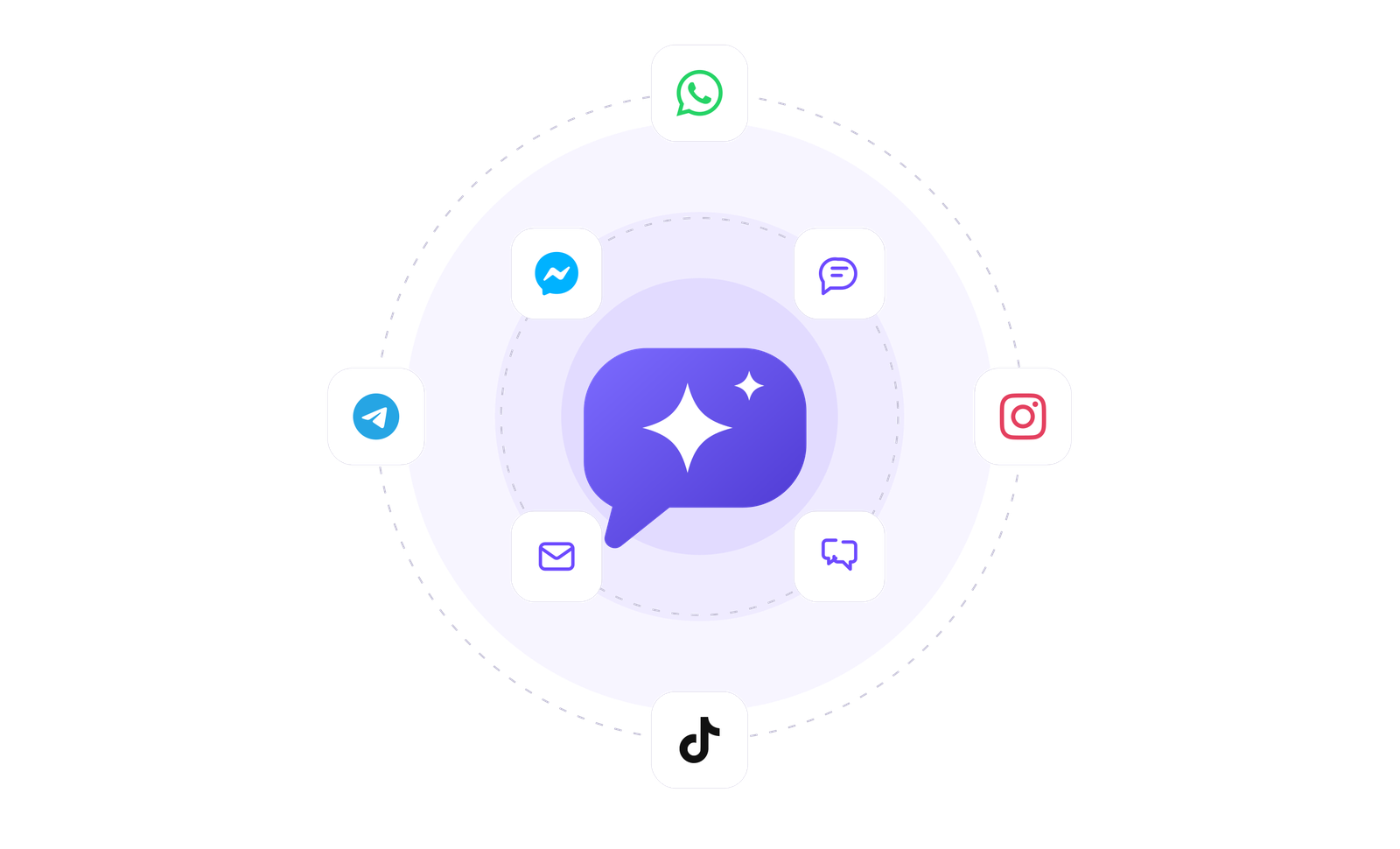
| Instagram, Messenger, Telegram | ||
| Email and SMS | SMS is listed; email is not in the current official channel guide | |
| LINE, WeChat and Viber | ||
| TikTok | Not yet; on our roadmap | |
| Connected-channel allowance | No plan cap | 5 on Essential · 10 on Pro and Premium · unlimited on Enterprise |
| Arabic & local fit | ||
| Arabic product interface with RTL | Its site and help centre offer Arabic; verify the workspace UI and RTL in trial | |
| Arabic AI replies | The customer’s language, or fixed to Arabic or English; test your dialect | AI is multilingual; test your dialect, knowledge and actions |
| Published subscription pricing in regional currencies | Published prices are in USD | |
| AI | ||
| AI agent answering from your knowledge | ||
| Configured AI actions | Orders, inquiries, assignment, labels, fields, lifecycle, notes, follow-ups, close and flows | Send, assign and lead scoring; integrations, HTTP and webhooks on Premium |
| AI on the entry offer | Included monthly credits on Plus | Essential has the AI inbox co-pilot; AI agents start on Pro |
| CRM, automation & campaigns | ||
| Contacts with full history | ||
| Sales data model | Several weighted pipelines with products, quotes and won/lost reasons, plus inquiries and lead scores | One lifecycle stage per contact with a Kanban view |
| Follow-up scheduling | Tasks, calls and meetings on one calendar, with personal booking links | Scheduled and recurring Flow triggers; not the same as an internal task list |
| Visual flow builder | Every plan; monthly trigger limits apply | Pro and higher; 100 active flows on Pro and 200 on Premium |
| Broadcasts | Monthly message allowances by plan | Pro and higher; message fees are billed separately |
| Social publishing & comments | ||
| Schedule posts to Facebook and Instagram | Content studio drafts with AI and publishes or schedules to connected Pages and Instagram accounts once Meta’s publishing permission is on | Not listed on its official pages |
| Facebook and Instagram comments in the inbox | Public reply or private message from the inbox; depends on Meta’s comment permissions | Public and private comment replies as flow actions; verify manual replies from the inbox in trial |
| Comment automation | Comment triggers start flows, such as a private reply to “price?” comments | Post-comment trigger with a keyword filter, on Pro and higher |
| Commerce & orders | ||
| Product catalogue with stock | Products with variants, prices and stock, plus a low-stock threshold | Meta catalogue or Shopify; no native stock documented |
| Order board and status messages | Board from new to delivered, with a customer message on each status you choose | Shopify orders, purchase history and order notifications; no native order board documented |
| WhatsApp catalogue and cart | A connected WhatsApp catalogue cart becomes an order | WhatsApp catalogue; carts and payment links through Shopify |
| AI agent takes orders | Quotes only catalogue prices and places the order after the customer confirms | AI agent Shopify tools search products and build carts |
| Platform | ||
| Public API and webhooks | Selected supported routes on every plan; monthly limits apply | API from Pro; webhooks and HTTP automations on Premium and higher |
| Automation connectors | Zapier or n8n through a configured link or webhook/HTTP setup | Official integrations for Zapier and Make, plus Platform API |
| HubSpot and Salesforce | A built-in CRM instead: deals, pipelines and companies live inside Labeeq | HubSpot on Premium and higher; Salesforce on Enterprise only |
| Several workspaces in one account | Plan, seats and AI credits pooled across branches or brands | Premium and higher |
| Mobile app | Android app on Google Play; iPhone coming soon | iOS and Android apps |
| Trial path | 14 days, no card | 7-day Pro trial, no card |
These links support the competitor claims above. Labeeq claims are tied to the live product and pricing catalogue in this site.
From 10 $/month — 14-day free trial, no card. Plus includes three seats and offers paid extras; Pro and Max list unlimited seats.
See pricingEssential is listed at US$49/month, Pro at US$109/month and Premium at US$279/month, billed yearly; Enterprise is custom. Essential is still rolling out by country, extra active contacts cost US$20 per 100 on Pro and Premium, and WhatsApp and SMS message fees can be separate.
Reviewed against SleekFlow's official public pages on 21 October 2026. Recheck before buying because plans change.
Both products cover LINE, WeChat and Viber; TikTok is live on SleekFlow and still on Labeeq’s roadmap. SleekFlow has deeper direct HubSpot, Salesforce, Shopify, VTEX and advertising integrations, a lower Essential entry price where it is available, and released iOS and Android apps.
Each capability supports a different part of the customer workflow.
An AI teammate
Answers from maintained knowledge in a configured language, runs enabled actions, and hands the conversation to a human under your rules.
Sell and fulfil in chat
Keep a catalogue with stock, let an AI agent or your team take the order in the conversation, then move it from new to delivered and message the customer at each step.
CRM & pipeline
Run deals on weighted pipelines with their contacts, company, products, quotes and next step, and see why you win and lose.
Flows & automation
Use visual triggers, conditions and actions to route, qualify, reply and escalate without writing code.
Campaign outreach and replies
Send approved WhatsApp templates to filtered audiences, then handle campaign replies in the shared inbox.
Insight, not guesswork
Review conversation volume, response and resolution times, team workload and the report filters available to your plan.
Lead capture and follow-up
Keep enquiries from connected channels with the contact record, then use configured AI, routing, deals and tasks to manage the next step.
Organised for busy periods
Use ownership, team routing, statuses and workload reporting to keep peak-hour conversations visible and accountable.
Sign-in and access controls
Use encrypted connections, optional two-factor sign-in and passkeys, roles, phone masking and private-file checks as part of your security process.
Evaluate it when direct commerce integrations, contact-based lifecycle automation, TikTok or Enterprise Salesforce integration are important. Check channel count, active-contact band and plan gates against your exact workspace.
Plan separate exports and mappings for contacts and any other data you are allowed to retain; do not assume chat history, lifecycle setup, flows or AI configuration will transfer. For WhatsApp, verify Meta access, WABA and number eligibility, templates, billing and a tested cutover before disconnecting.
Labeeq’s text agent can answer from maintained sources, read customer photos and voice notes, take orders, open inquiries and perform enabled assignment, label, field, lifecycle, note, close and flow actions. Action availability, provider data flow, monthly credits and human handoff rules should all be tested before launch.
It depends on volume and terms. SleekFlow varies AI access by plan, with AI agents from Pro and integrated agents on Premium. Labeeq publishes included monthly credits and optional top-up packages, so compare the same workload.
Total cost depends on seats, active contacts, AI, automation, integrations, channels and provider fees, and SleekFlow’s Essential plan is not yet offered in every country. Build a requirements-based estimate from both live pricing pages.
Both treat WhatsApp costs separately from at least part of the software subscription. Billing may involve Meta, a BSP, hosting or rate-card charges depending on setup, so confirm the same country, category and volume on both sides.
Use the website widget or a secondary channel during the free trial. Plan any main WhatsApp-number migration separately.